Best Laptops for Crypto Trading in 2026 (and How to Buy One with Bitcoin)
By BitcryptoMarket
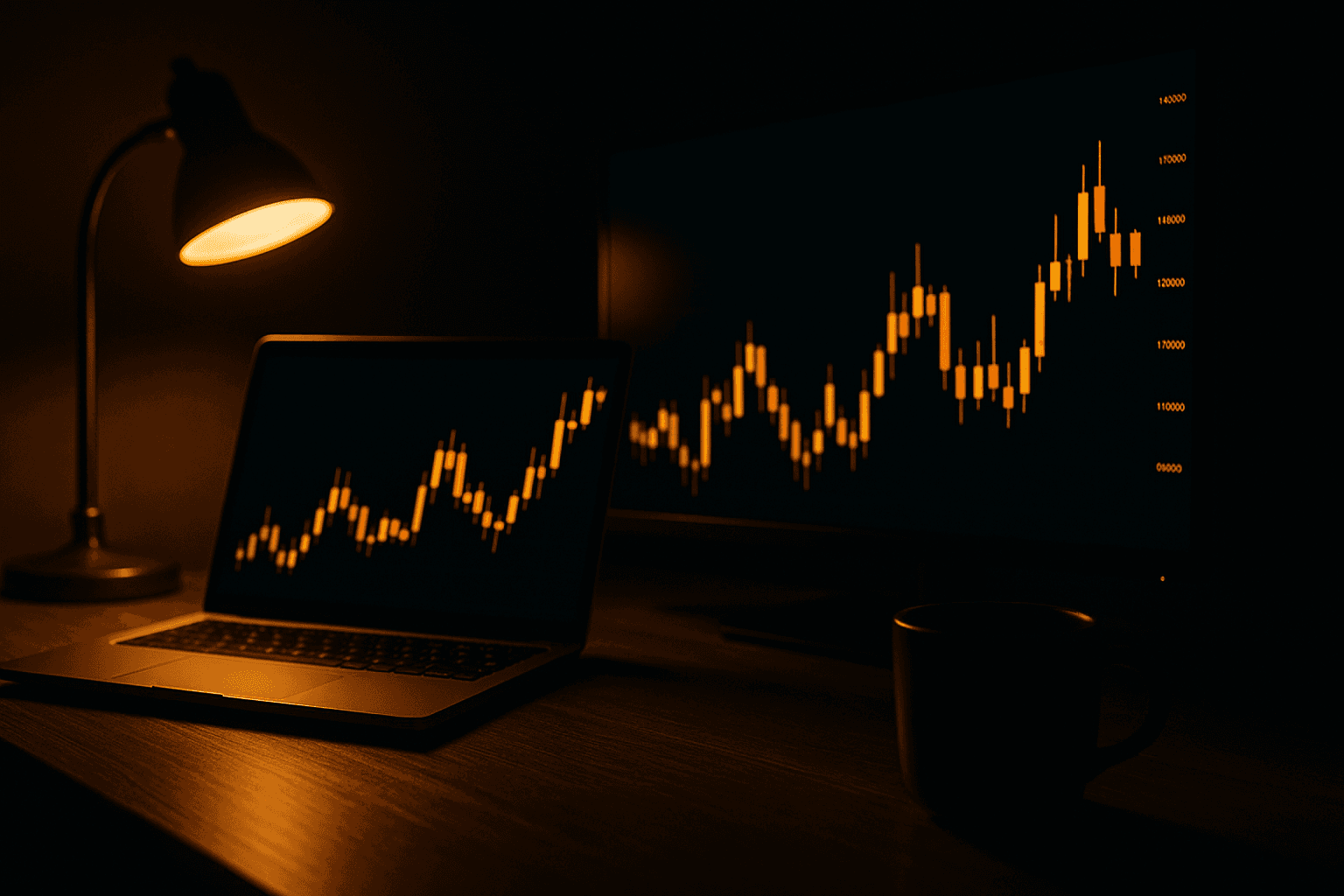
Most "best laptop for crypto trading" lists are recycled gaming-laptop roundups with the word "crypto" sprinkled on top. Here's the truth from actual trading workflows: charting software is light, your real bottlenecks are screen space, RAM for tab sprawl, battery for all-day sessions — and above all security, because a trading laptop is a machine that criminals specifically write malware for. This guide covers what actually matters, the machines worth buying in mid-2026, and how to harden one before your first order — plus how to pay for it in the asset you trade.
What a trading laptop actually needs
- RAM is the real spec. TradingView chews ~500 MB–1.5 GB per tab depending on chart count; add an exchange or two, Discord/Telegram, and a bot dashboard and you're deep into double digits. 16 GB is the working minimum; 32 GB is the professional standard in 2026.
- CPU over GPU. Charting is not gaming — graphics power is nearly irrelevant. A modern efficient CPU (Apple M-series, Intel Core Ultra, AMD Ryzen AI) matters more for responsiveness with 30 tabs open.
- External display support — read the fine print. Base Apple M-chips drive 2 external displays; M5 Pro drives 3; M5 Max drives 4. Windows machines with 3× Thunderbolt ports handle multi-monitor docks natively. If you run a 4-screen cockpit, this single spec decides your shortlist.
- Display quality: OLED or high-nit panels reduce eye strain over 8-hour sessions; 120 Hz scrolling is a genuine quality-of-life upgrade for scrubbing charts.
- Security hardware: TPM/secure enclave, fingerprint or IR-camera login, and — underrated — a physical webcam shutter.
- Battery: markets don't pause when you're away from a socket; 13+ tested hours is achievable in 2026.
The best laptops for crypto trading in 2026
| Model (mid-2026) | CPU / RAM | Display | Ext. displays | Battery (tested) | From |
|---|---|---|---|---|---|
| MacBook Air 13 M4 | M4 / 16–32 GB | 13.6" Liquid Retina | 2 | ~14.8 h | $999 |
| MacBook Pro 14 M5 | M5 / 16–32 GB | 14.2" XDR, 1000 nits | 2 | 20 h+ class | $1,599 |
| MacBook Pro M5 Pro/Max | M5 Pro–Max / 24 GB+ | 14"/16" XDR | 3–4 | ~25 h class | $2,199 |
| Dell XPS 16 (2026) | Core Ultra 7/X7 / 16–32 GB | 16" up to 3.2K tandem OLED | 3× TB4 | 13 h | $1,749 |
| ThinkPad X1 Carbon G13 | Core Ultra 7 258V / 16–32 GB | 14" 2.8K OLED 120 Hz | 2× TB4 | 11.5 h | ~$2,000+ |
| ASUS ProArt P16 | Ryzen AI 9 / 32–64 GB | 16" 3K–4K OLED touch | USB-C + HDMI | moderate | ~$2,000 |
| Razer Blade 16 (2026) | Core Ultra 9 / 32–64 GB | 16" QHD+ 240 Hz OLED | TB5 | short under load | $2,399 |
Our picks by persona
- Best overall: MacBook Pro 14 M5 — silent, sensational battery, XDR panel; the 2-display cap only bites 4-screen traders.
- Best value: MacBook Air M4 at $999 with 16 GB standard — most traders genuinely need nothing more. (Pre-hike M2/M3 stock is even better value — see our Mac listings.)
- Best Windows / multi-monitor cockpit: Dell XPS 16 (2026) — three Thunderbolt 4 ports, tandem OLED, 13-hour battery.
- Best corporate-grade security: ThinkPad X1 Carbon Gen 13 — dTPM, IR + fingerprint, physical webcam shutter, legendary keyboard.
- If you also game or produce content: ASUS ProArt P16 or Razer Blade 16 — accepting the battery and noise trade-offs; they're trading-capable, not trading-optimized.
Browse current stock and pay in BTC directly: laptops · monitors for the second screen · all electronics.
The multi-monitor cheat sheet
Serious day traders typically run 2–3 external panels (casual: the laptop screen plus one 27" is plenty). Rules of thumb: match the dock to the laptop (Thunderbolt 4 docks drive dual 4K/60 comfortably; TB5 adds headroom), prefer two 27" 1440p panels over one giant screen for chart organization, and remember the Apple caveat above — a base M-chip MacBook will not drive a triple-external setup no matter how many dongles you buy.
Locking down a trading laptop (the section that pays for itself)
Chainalysis counted 158,000 personal-wallet compromise incidents in 2025, with over $700 million lost to wallet-targeting attacks — much of it via malware that specifically hunts traders. The defense stack, in priority order:
- Hardware wallet for anything you're not actively trading. Current models mid-2026: Ledger Flex/Stax (and the Nano Gen5), Trezor Safe 5 and Safe 7. Keys never touch the laptop; a compromised browser can propose a transaction but can't sign it.
- Passkeys/FIDO2 on every exchange. Binance, Coinbase, Kraken, OKX, Bybit and Gemini all support them in 2026. Passkeys beat authenticator apps; both crush SMS (SIM-swap risk). Enable withdrawal address whitelisting while you're in settings.
- Defeat clipboard hijackers. Malware that silently swaps copied wallet addresses is epidemic — one 2026 strain monitored 2.3 million addresses and substituted visually similar lookalikes. Always verify the first and last 6 characters after pasting, every time. Whitelisted withdrawal addresses make this attack useless.
- Watch your downloads. 2026 campaigns seeded fake "trading tools" on GitHub with purchased stars and upvotes. Install exchange apps and wallets only from official domains you typed yourself.
- Public Wi-Fi = VPN with a kill switch. Hotel and airport networks are prime evil-twin territory. (Use a VPN for security — not to evade exchange geo-restrictions, which risks your account.)
- OS hygiene: automatic updates, disk encryption on (FileVault/BitLocker), separate browser profile — or a separate user account — used only for trading.
How to buy your trading laptop with Bitcoin
Fittingly circular: trade crypto, spend crypto. At checkout, choose BTC (or ETH/stablecoins), and the invoice locks the fiat exchange rate for ~15 minutes; send the exact amount, the network confirms, your machine ships insured with full invoice — which also matters for warranty registration. Full walkthrough in our how-to-buy guide, and note the tax point that applies to any crypto purchase: spending appreciated BTC is a taxable disposal in most jurisdictions (stablecoins avoid the gain in practice).
One more angle: hardware prices are rising — Apple lifted Mac prices ~20% in June 2026 on the back of the global memory shortage, and Windows OEMs face the same component costs. If your trading stack needs a refresh, waiting is currently an expensive strategy. Details in our Apple-with-Bitcoin guide.
Frequently asked questions
Do you need a powerful laptop for crypto trading?
No. Charting platforms are browser-light; a mid-range machine with 16 GB RAM handles serious trading. Spend the surplus on a second monitor, not a bigger GPU.
How much RAM do I need?
16 GB minimum for real multitasking; 32 GB is the 2026 professional standard if you run many charts, a bot, and thirty tabs simultaneously.
Is a MacBook good for crypto trading?
Excellent — TradingView and every major exchange are web-based, and Apple's battery/display quality lead the class. Just mind the external-display limits: base M-chips drive two; you need M5 Pro/Max for three or four.
Are gaming laptops good for trading?
They work, but you pay in battery life, fan noise and weight for GPU power that charts never use. Buy one only if you also game or create.
Can I day trade on just the laptop screen?
Yes — plenty of traders run one clean chart per workspace. Screens multiply comfort, not profits; add a 27" external when tab-switching starts costing you fills.
How do I keep crypto safe on a laptop?
Hardware wallet for storage, passkeys + withdrawal whitelisting on exchanges, verify pasted addresses (clipboard malware is real and current), official downloads only, VPN on public Wi-Fi.
What is clipboard malware?
Malware that watches your clipboard and swaps copied crypto addresses for attacker lookalikes. It contributed to hundreds of millions in losses in 2025–26. Verify first/last characters after every paste; use address whitelists.
Can I buy a laptop with Bitcoin?
Yes — crypto-native stores like ours accept BTC and 50+ coins directly, with a rate locked at checkout and insured shipping. See current laptop stock.
Specs verified against manufacturer pages and hands-on reviews as of July 2026; security statistics from Chainalysis and published malware research. Models and prices move fast — check live listings. Nothing here is financial advice, and no laptop makes a losing strategy profitable.
Ready to shop with crypto?
Browse 2,450+ brand-new devices and luxury goods — pay with Bitcoin, Ethereum and 50+ cryptocurrencies.
Shop the store